

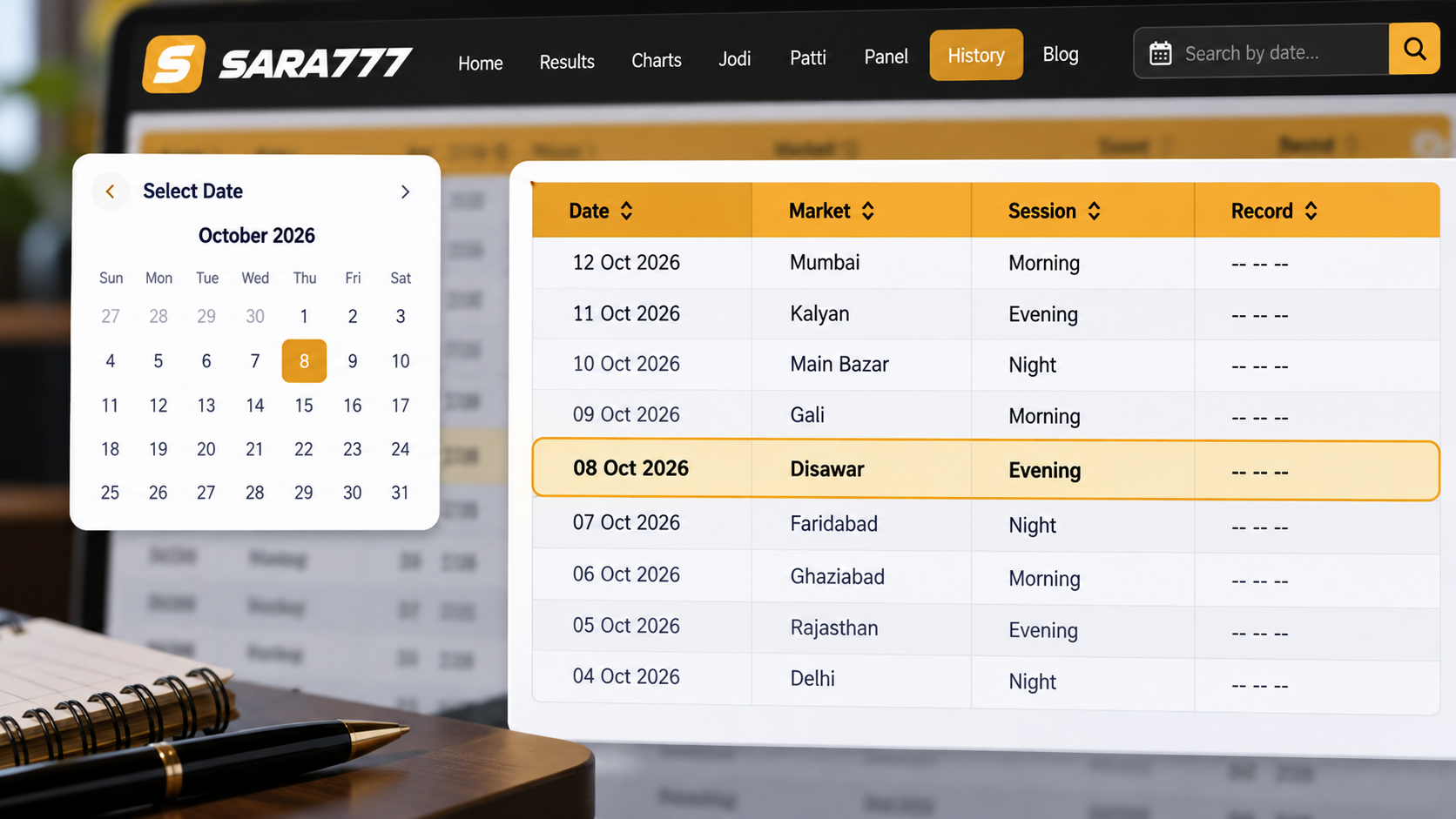
If you noted down a specific calendar date from several weeks or months ago but cannot recall which market it belonged to or where it appears on Sara777, you can still trace the exact record. Because Sara777 organizes historical archives in weekly matrix tables rather than an unsorted daily feed, locating past numbers requires working backward from your remembered date to the correct market session, weekly interval row, and weekday column.
Start With the Date You Remember
A calendar date is the most reliable anchor for finding historical records. While market names or specific numbers are easy to misremember after several weeks, a date provides two exact reference points:
- The calendar day of the week: Was that date a Monday, a Wednesday, or a Saturday?
- The calendar week interval: Which Monday-to-Sunday bracket enclosed that day?
Before browsing any chart page, check a standard calendar for the year and month in question. For example, if you are looking for a result announced on August 12, 2026, verify that August 12 was a Wednesday. That single detail immediately tells you which table column contains the number once you open the candidate market archive.
Identify the Market or Session
Sara777 tracks dozens of active markets daily. Scanning all of them randomly takes unnecessary time. You can narrow the possibilities to just two or three candidate markets by recalling the general time of day when the result was announced:
- Daytime Markets (Afternoon Declarations): If you remember checking the number in the mid-afternoon (between 1:00 PM and 5:00 PM IST), you are almost certainly looking for a day market like Time Bazar, Milan Day, or the afternoon open draw of the Kalyan Jodi Chart.
- Evening & Night Markets (Post-Dusk Declarations): If the result was announced late in the evening or close to midnight, your record lives in a night archive such as Milan Night, Rajdhani Night, Kalyan Night, or the Main Bazar Jodi Chart.
- Operating Days: Some markets declare numbers every day of the week, while others observe weekend closures. If your date falls on a Sunday and a chart shows an empty or bypassed slot, that specific market does not conduct Sunday draws.
Open the Correct Chart or Result Section
Once you have narrowed down the candidate market, do not rely on the homepage live tickers. The homepage only displays current daily declarations and recent draws. Instead, open the centralized Sara777 Master Charts Directory.
From this directory, each market provides two distinct archive views. Choosing the right one depends on what type of number you need to verify:
-
Jodi Chart (Two-Digit Pairs): Open this if you only need the final two-digit bracket (such as
38or72). Jodi tables display compact grid cells, making it fast to scan long date ranges. -
Panel / Pana Chart (Three-Digit Card Combinations): Open this if you need the full breakdown: the 3-digit Open Pana, the 2-digit Jodi, and the 3-digit Close Pana (for example,
148-38-279). You can review how these two formats differ in our Jodi vs Panel Chart Guide.
Why the On-Page Search Box Does Not Find Dates
Both Jodi and Pana chart pages feature an on-screen search input (such as "Find jodi number"). This box filters for numerical digits (like 45 or 123), not calendar dates. Typing a date like 12/08/2026 into that field will not return matching rows. To find a date, you must scan the weekly date range column on the left side of the table.
Check the Date Before Trusting the Record
Sara777 maintains three full years of verified records for every active market. To read past entries accurately, understand how the table is structured:
| Table Column | What It Displays | How to Match Your Date |
|---|---|---|
| Date (Leftmost Column) | Weekly range: DD/MM/YYYY to DD/MM/YYYY |
Scroll vertically until the start date and end date span your remembered date. |
| MON – FRI Columns | Regular weekday session results | Move horizontally across that week's row to the weekday of your date. |
| SAT – SUN Columns | Weekend draw results (market-dependent) | Inspect these columns only if your date fell on a Saturday or Sunday. |
For example, if your date is Wednesday, August 12, 2026, scroll down to find the row whose date bracket covers that week (for example, 10/08/2026 to 16/08/2026). Then follow that row across to the WED column. The number inside that cell is the official recorded result for that date.
A frequent source of confusion is mixing up markets that share similar names. A player might look at a date row on the Milan Day chart, find a number that differs from their notes, and assume the archive is incorrect. In reality, they were often thinking of Milan Night. Always verify the page header at the top of the chart table: it explicitly states the market title alongside its official Open and Close draw timings.
What If You Cannot Find the Result?
If you navigate to the correct weekly row and weekday column but do not find the number you expected, one of four factual conditions applies:
-
The slot shows asterisks (
**or*** ** ***): Star symbols represent unreleased, cancelled, or suspended result slots. If you see asterisks on an older date, that specific session was not declared. For a complete breakdown of placeholder symbols, read our guide on what stars mean on Sara777 charts. - The market was closed for a scheduled holiday: Certain official market holidays or non-trading days result in blank or bypassed cells.
- You are in the wrong chart format: If you are looking for 3-digit card cards inside a Jodi chart, you will only see 2-digit pairs. Switch to the corresponding Pana Chart to view full card distributions.
- The record is older than three years: Sara777's cached public chart interface presents rolling 3-year records. Results prior to that window are archived in historical storage.
Keep a Useful Reference for Next Time
Whenever you record an outcome for personal reference, write down three basic data points together:
- The exact Market Name (explicitly noting Day or Night designation).
- The full Calendar Date along with the day of the week.
- Whether the number is a Jodi pair (2 digits) or a full Pana sequence (3-card open and close).
Logging all three details ensures that whenever you need to re-verify an older draw on Sara777, you can navigate directly to the exact row and column in under thirty seconds.
Conclusion
Finding an older Sara777 result when you only remember the date comes down to a clear four-step process: anchor the calendar day of the week, narrow down the market by session timing, open the appropriate Jodi or Pana chart from the Charts Directory, and match the weekly date bracket in the leftmost column. By verifying the market name and draw timings on the table header, you can confirm historical records accurately without relying on guesswork.
Need to Check Past Market Records?
Browse full 3-year weekly archives for Kalyan, Milan, Rajdhani, and Main Bazar.
Browse the Sara777 Chart Archive